DDB Stickers
DDB Sickers are part of the VTT inside D&D Beyond.
These are images that can be placed on scenes, in Foundry we can think of them as tiles. There is a button in your Tile contols to open the DDB Sticker Browser:
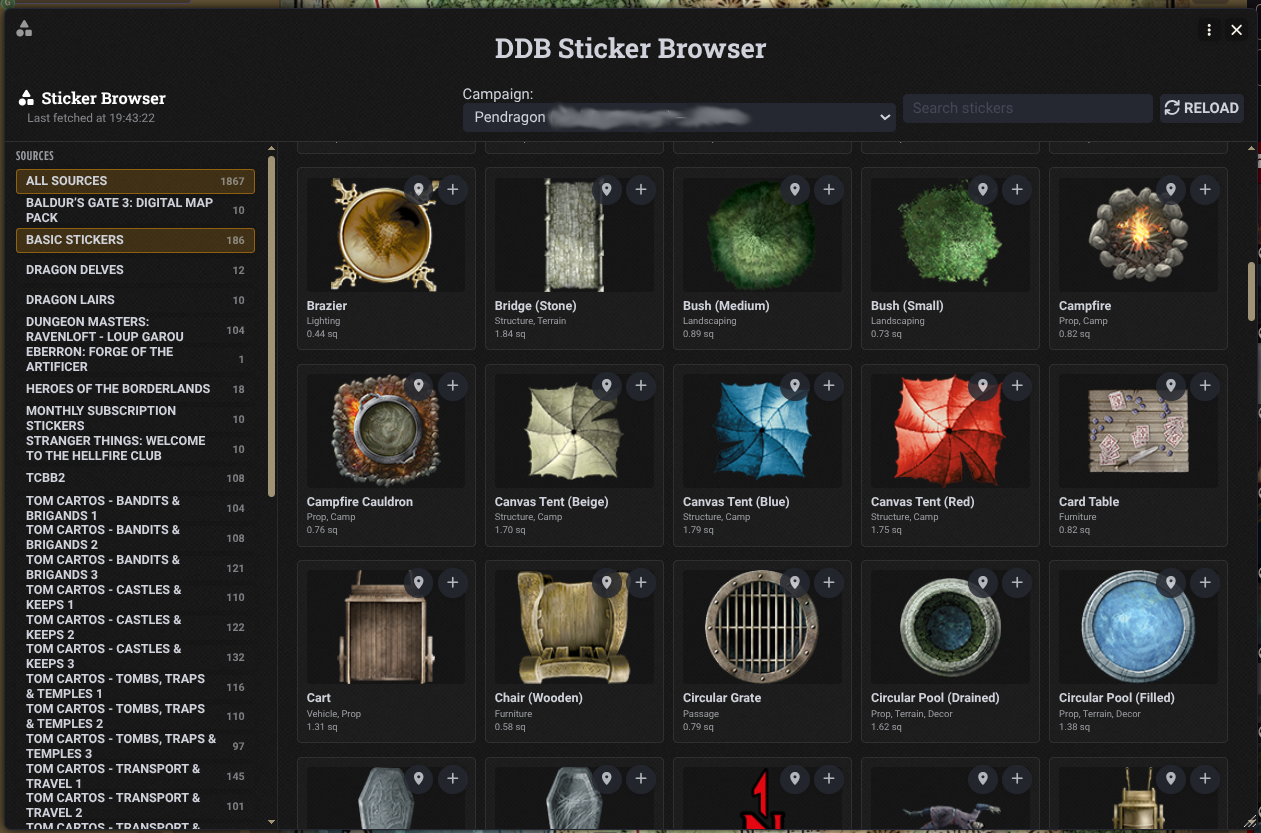
You can filter by source and tag on the right hand side, or type a keyword in to the search box.
On each sticker are two buttons, one adds the sticker to the current scene, the other will just upload the asset for later use as a regular tile.
When placing a tile you have access to the following controls:
- Shift + mouse wheel - make the asset bigger or smaller
- Ctrl + mouse wheel - rotate the asset
- Alt + mouse wheel - raise or lower the z/elevation of the tile to place it above/below other tiles.