Conditions on Tokens
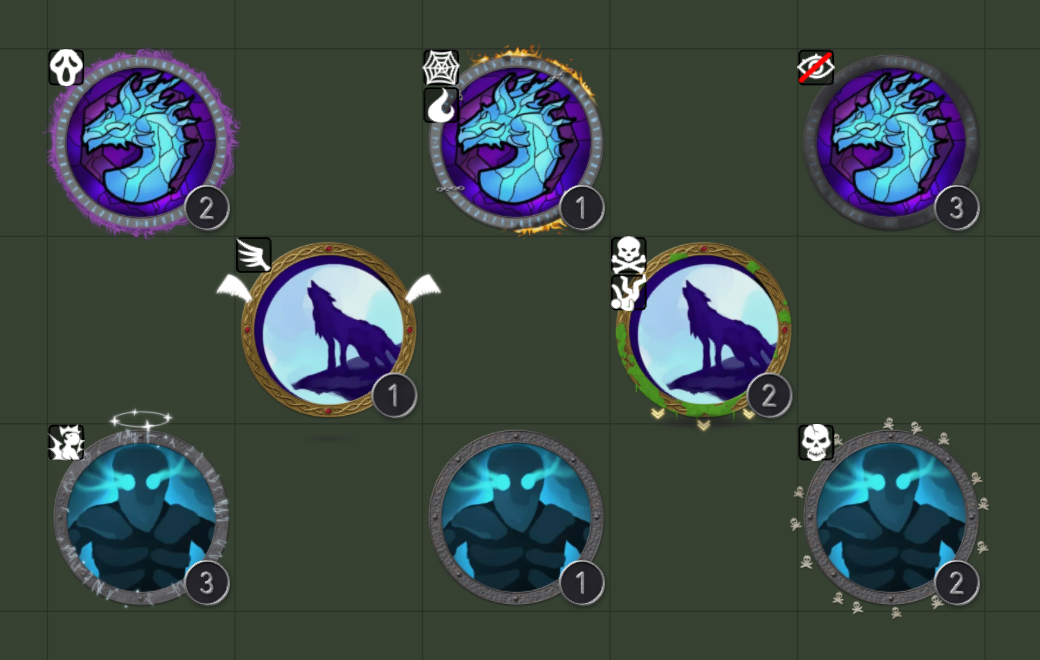
Conditions are ring effects that show what is happening to a creature: blinded, frightened, grappled, on fire, flying, behind cover, and many more. There are 88 of them.
You can use them in two ways:
- On map tokens - each token shows rings for its current statuses, and they change as the statuses do.
- In the Ring Generator - draw a condition into a ring you are designing, from the Effects list in the Ornaments & Effects section.
Showing conditions on map tokens
- Open Settings → Configure Settings → Tokenizer 2 → Configure.
- Open the Ornaments & Effects section on the right.
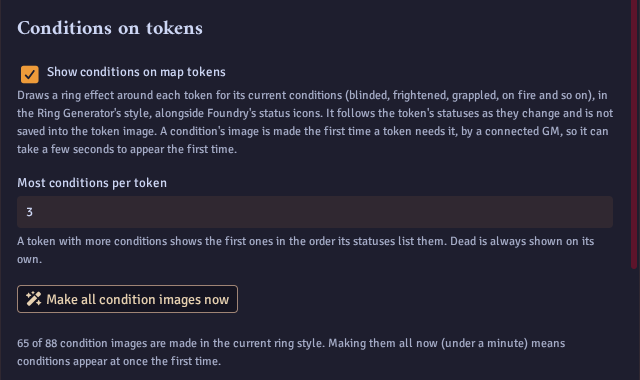
- Tick Show conditions on map tokens.
Now, when a token gains a status, a matching ring appears around it. When the status ends, the ring goes away. Foundry's own status icons still show as normal, and nothing is saved into the token image.
Most conditions per token sets how many rings one token can show at once (3 by default). A token with more shows the first ones in the order its statuses list them. Dead is always shown on its own.
The first time
Each condition's image is made the first time a token needs it, by a connected GM, and then saved for everyone. That first time takes a second or so. After that the condition appears at once, for every token and every player.
To skip the wait, click Make all condition images now. It makes every condition in your current ring style, which takes under a minute.
Performance
Condition rings and number badges are light on the map. In testing with 600 tokens on screen at once, each with conditions and a number badge, their was negligible performance overhead. Each condition image is shared by every token that shows it, so a busy scene only loads a handful of small images.
Customising condition rings
A GM can change how any condition ring looks, make new rings, and choose which ring each status shows. Open Settings → Configure Settings → Tokenizer 2 → Configure, choose the Ornaments tab, and click Edit condition rings. In the token editor, a GM can also click Condition Rings under Ring Tools on the Rings tab.
Editing a ring
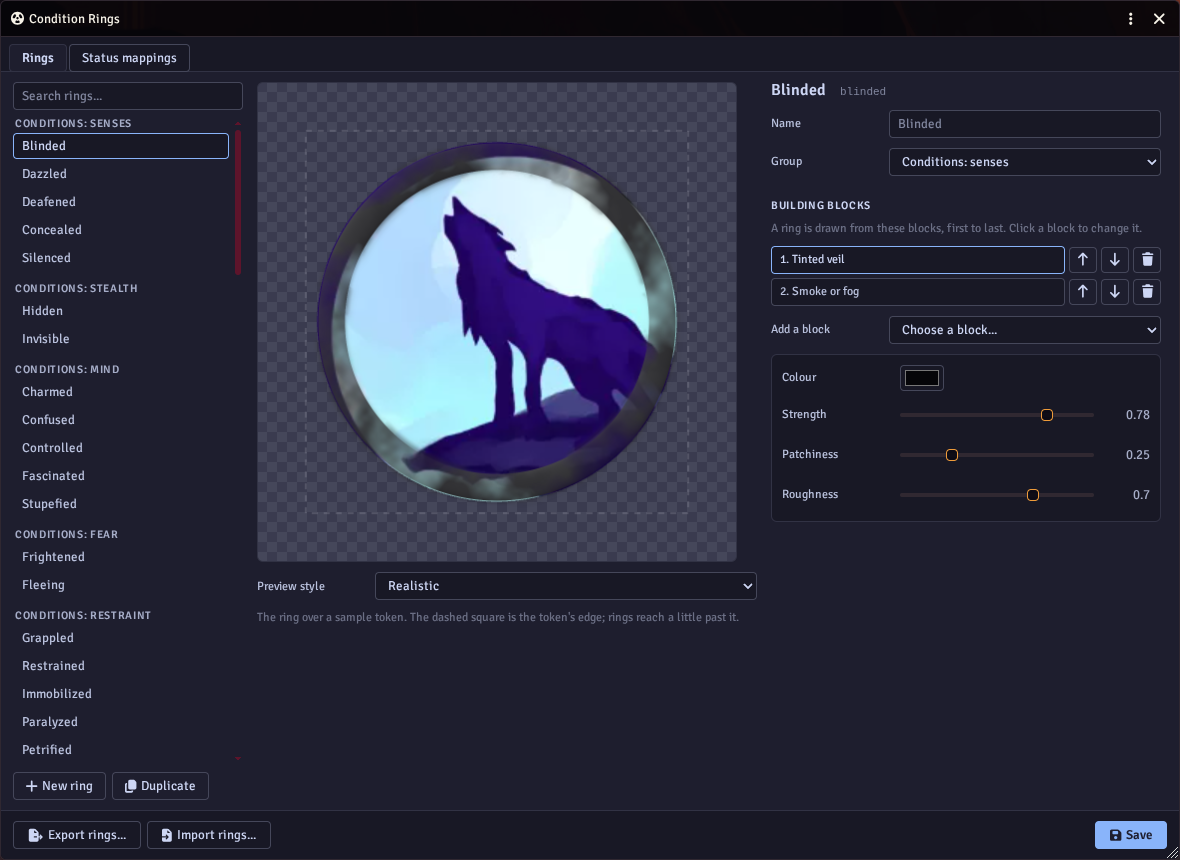
The rings are listed on the left, grouped like the gallery below. Pick one to see it over a sample token in the middle.
Each ring is drawn from a few building blocks, first to last. Click a block to change its settings, such as its colour, size, or how many symbols it scatters, and the preview redraws. Use the arrows to reorder blocks, the bin to remove one, and Add a block to add another.
There are over 40 kinds of block to build from, including veils, smoke, scattered symbols, chains, cracks, flames and frost, wings, walls, halos and rain clouds. A ring can have up to 12 blocks.
Changing a built-in ring marks it edited. Reset to built-in puts it back the way it came.
Making your own rings
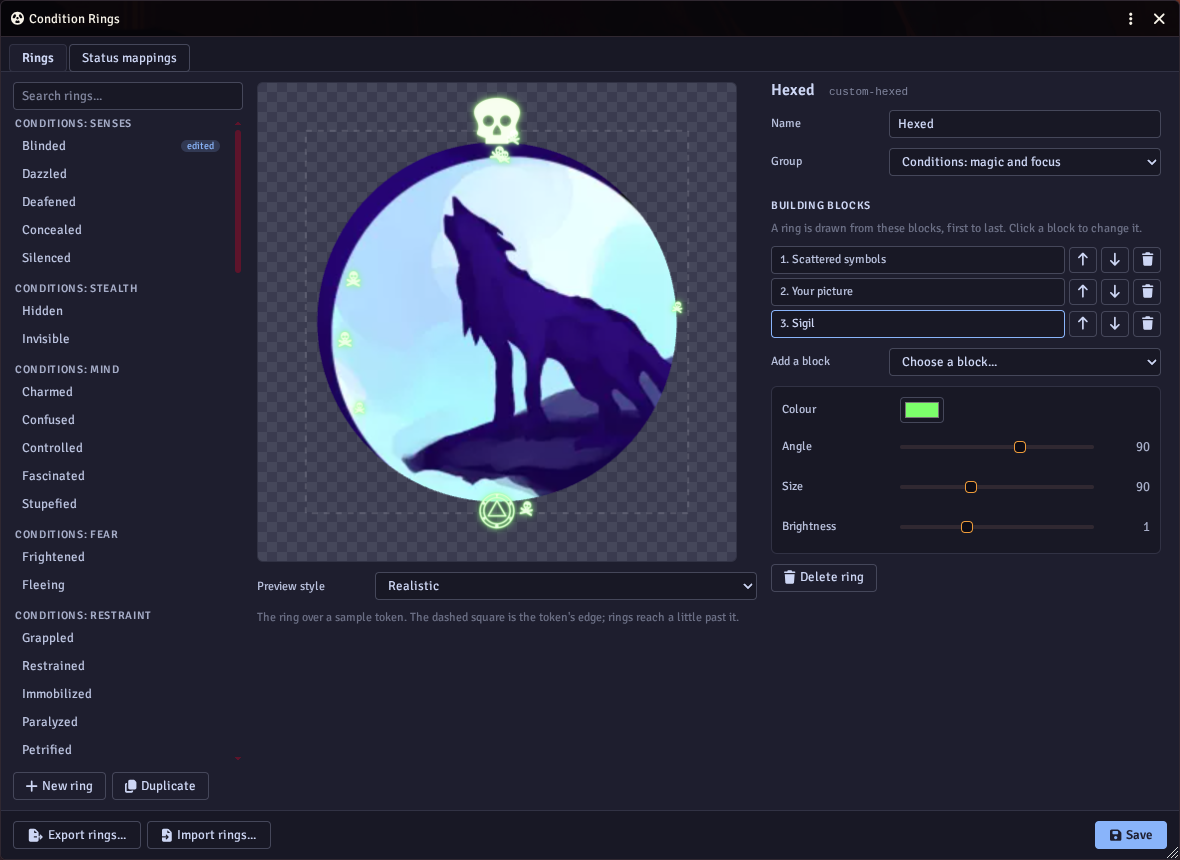
Click New ring to start from scratch, or Duplicate to start from a copy of the ring you are looking at. Give it a name and choose the group it is listed in.
The Your picture block uses your own artwork:
- Around the whole token - lay a picture over the whole token, such as a ring you have drawn yourself.
- A spot by the ring - place a picture at an angle beside the ring, such as an icon above the token.
A picture can keep its own colours, be filled with a single colour, or glow.
Choosing which ring a status shows
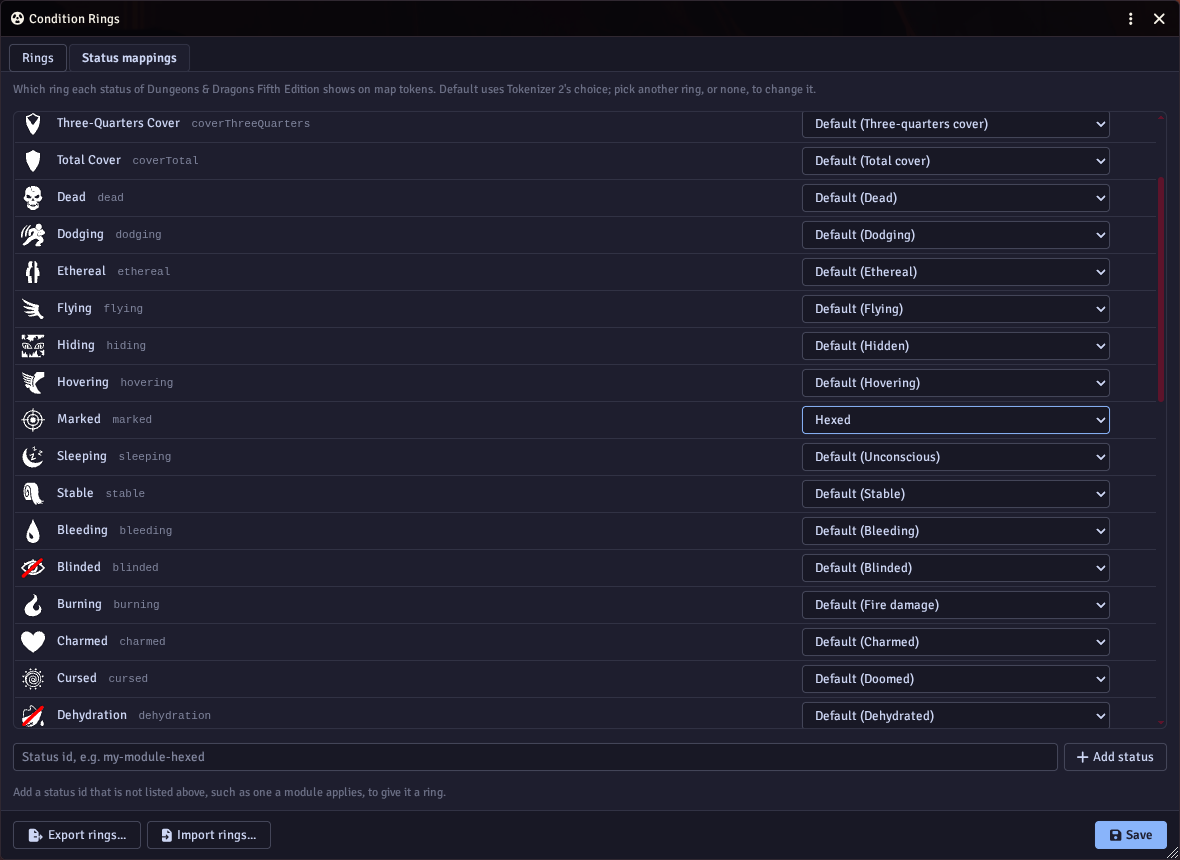
The Status mappings tab lists every status your game system has. Default uses Tokenizer 2's choice. Pick another ring to change it, or No ring to show nothing for that status.
If a module adds a status that is not in the list, type its id under the table and click Add status to give it a ring.
Saving
Click Save to keep your changes for the whole world. Map tokens update straight away, and your new rings appear in the Ring Generator's Effects list too. An edited ring gets new images, so tokens never show an old version.
Supported game systems
Each game system names its statuses differently, so Tokenizer 2 maps them to its rings. These systems are built in, with a ring for every status they list:
- Dungeons & Dragons Fifth Edition (dnd5e)
- Pathfinder Second Edition (pf2e), including persistent damage by damage type
- Starfinder Second Edition (sf2e)
- Shadowdark, including the conditions from its conditions compendium
- Pendragon 6th Edition, including the passions
Some statuses share a ring where they mean the same thing, such as sleeping and unconscious, or grabbed and grappled. Any other system uses the rings for Foundry's own built-in statuses. You can change any of these in the Condition Rings editor. Other modules can add their own mappings through the API.
Styles
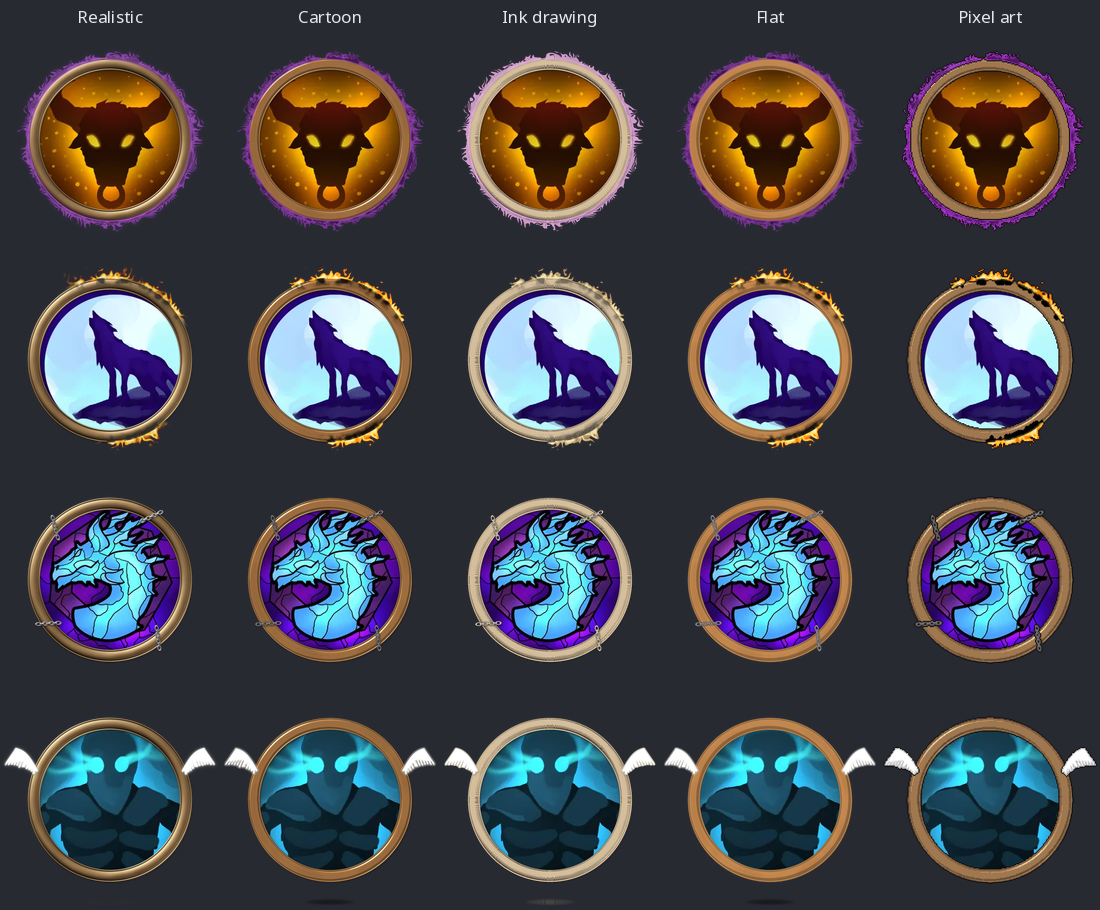
Condition rings are drawn in the Ring Generator's default style, so they match your tokens. A GM chooses that style in the Token Rings settings tab.
Every condition
Senses and stealth

Mind and fear

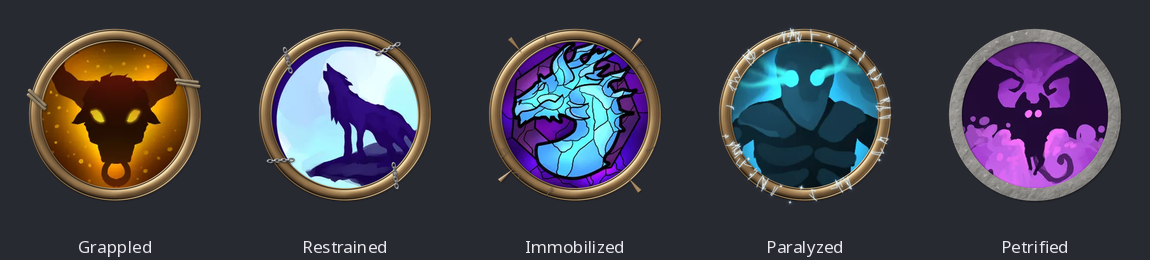
Restraint
Consciousness
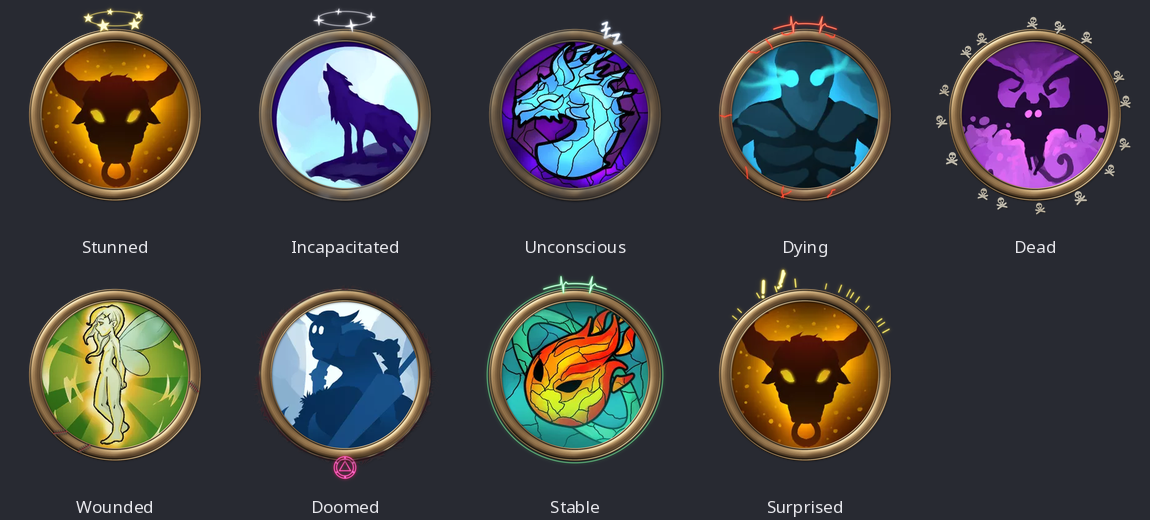
Body
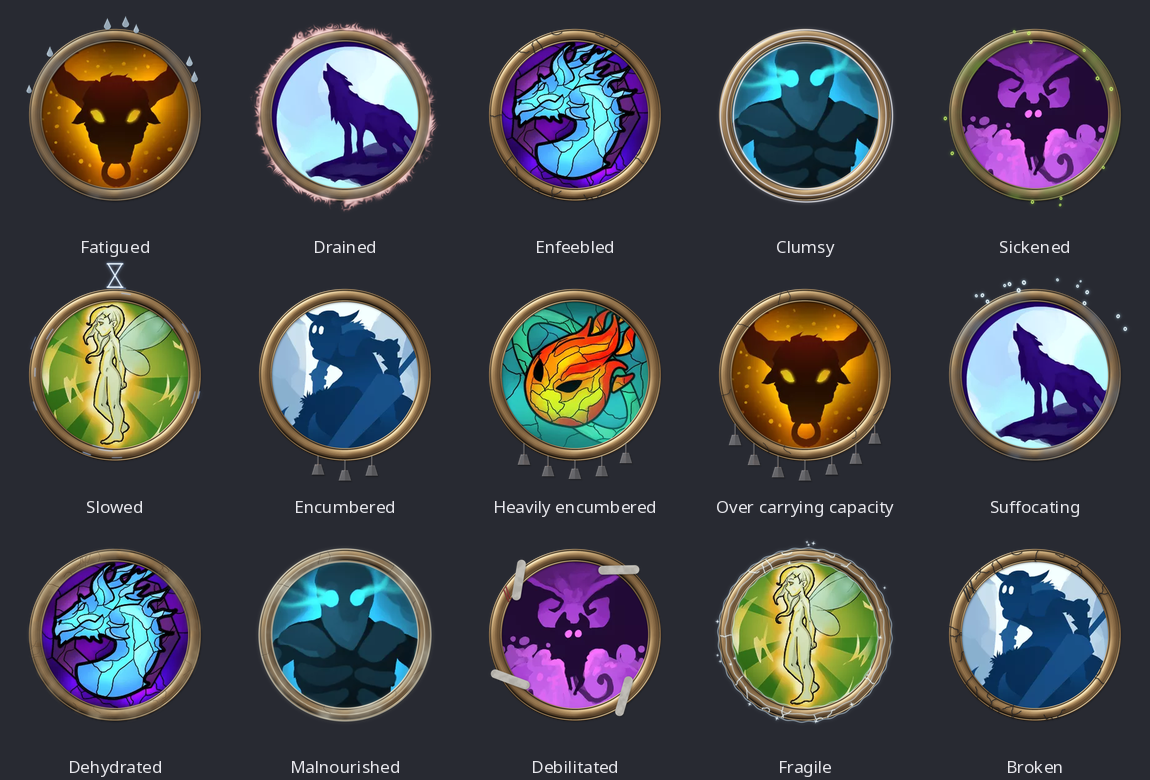
Buffs and position

Movement

Cover and shields

Magic and focus

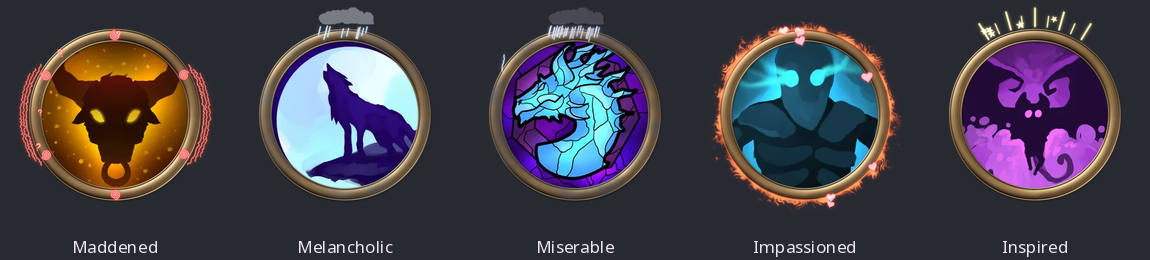
Passions and moods
These come from Pendragon.
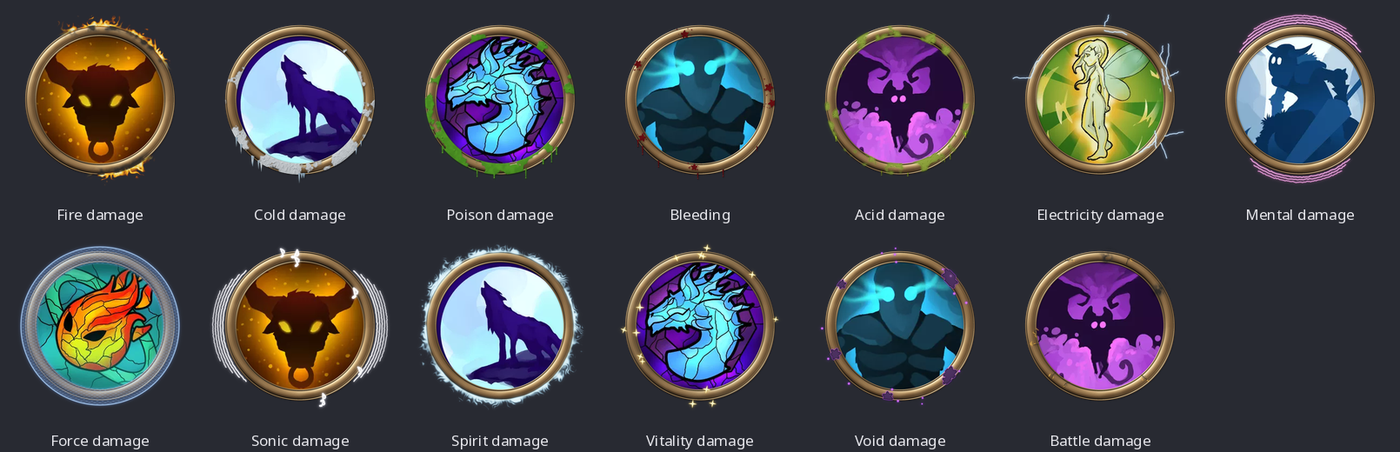
Persistent damage